Hi everyone👋,
We’re pleased to share our latest updates, as we continue to enhance and improve your experience on PitchPrint.
What's new🚀,
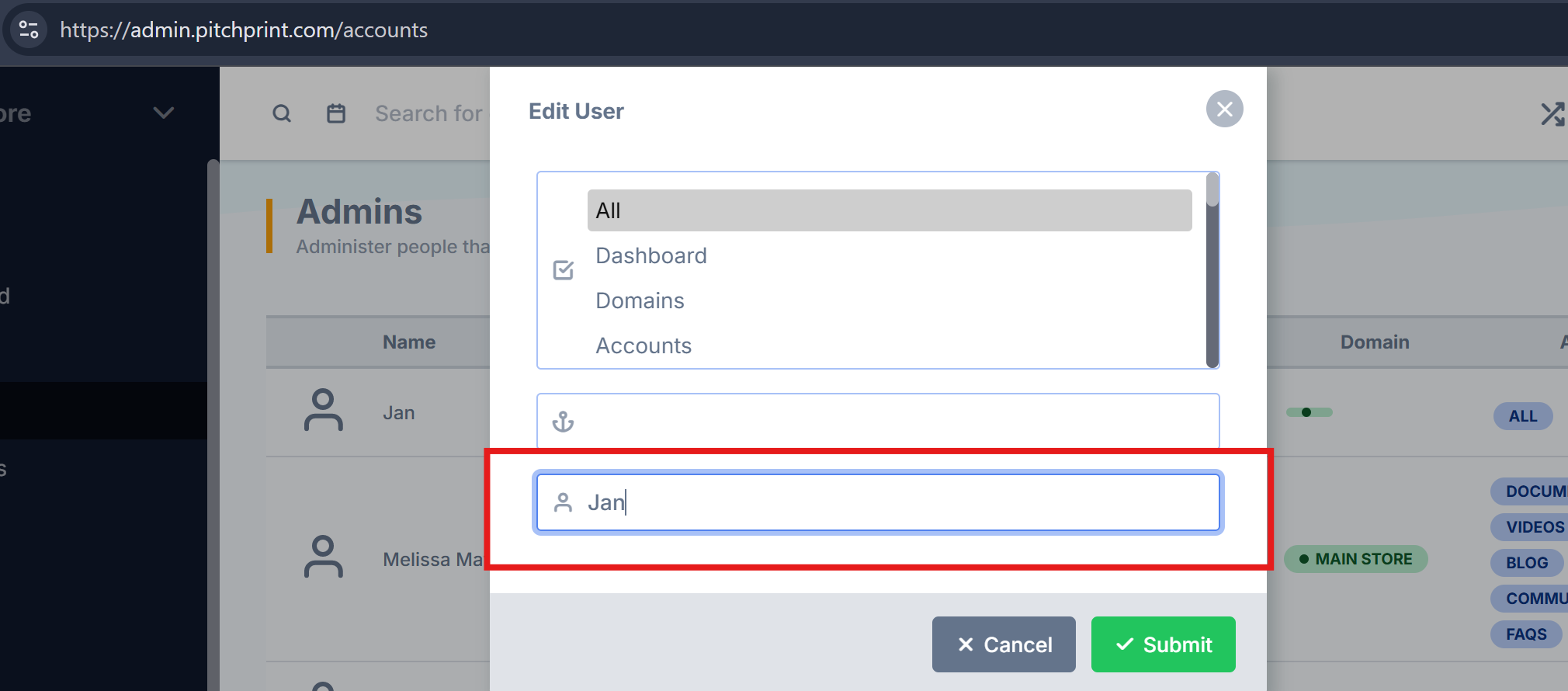
Edit User Name in PitchPrint Admin - Previously, administrators could only modify the store association and access permissions for an admin user. This update introduces the ability to edit user and admin names directly within the PitchPrint admin panel.
Please refer to the image below for reference:
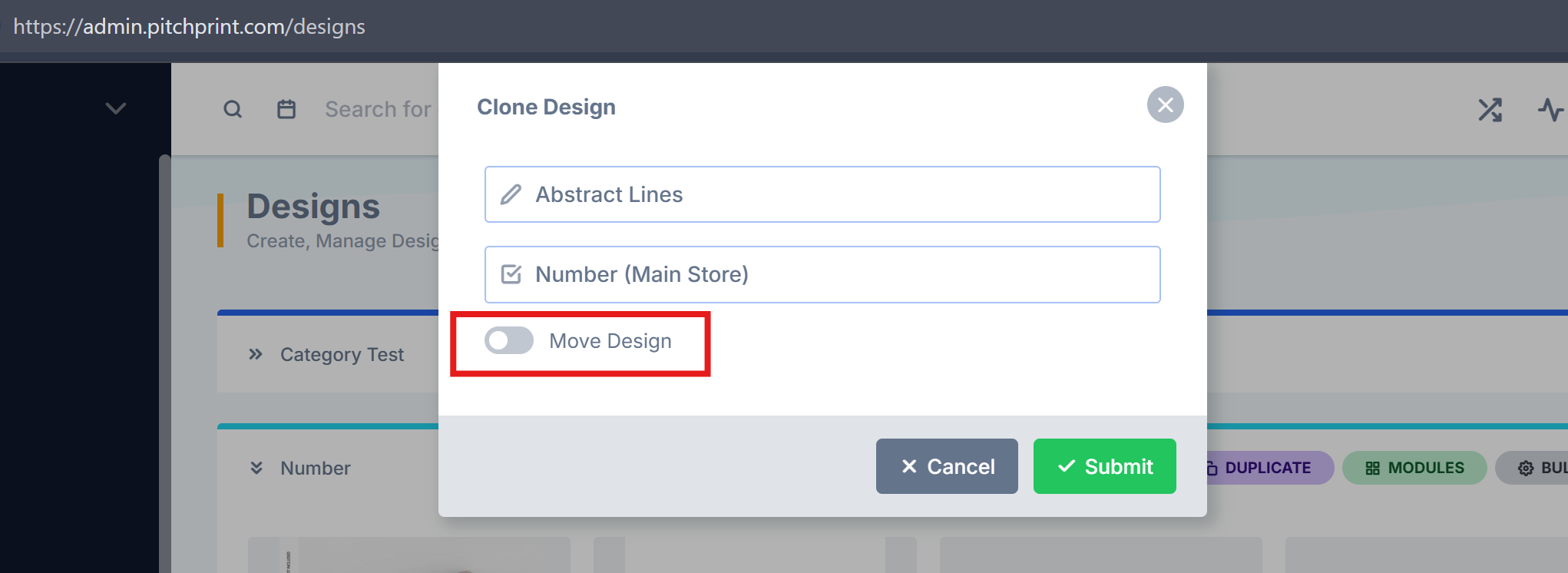
Move Designs Across Categories - The move functionality has been reintroduced in the PitchPrint admin. This feature was previously removed while we refined its behavior, and it has now been fully rebuilt for improved reliability. You can now easily move designs between categories.
Please refer to the image below for reference:
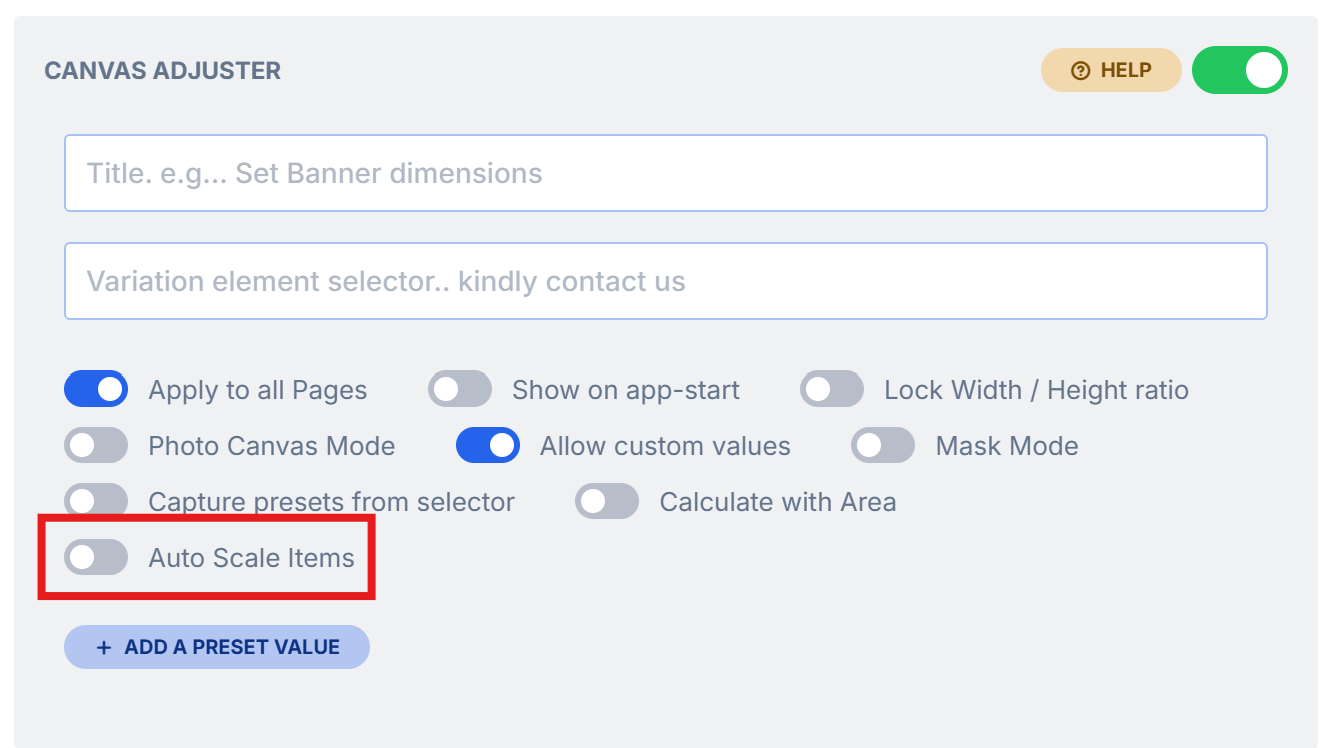
Scale Grouped Items in Canvas Adjuster - We’ve enhanced the canvas adjuster to support automatic scaling for grouped items. Previously, this feature worked well for individual elements but did not fully support groups. With this update, grouped items will now scale proportionally when customers adjust canvas dimensions, ensuring a more consistent and reliable design experience.
Please refer to the image below for reference:
We also fixed the following bugs:
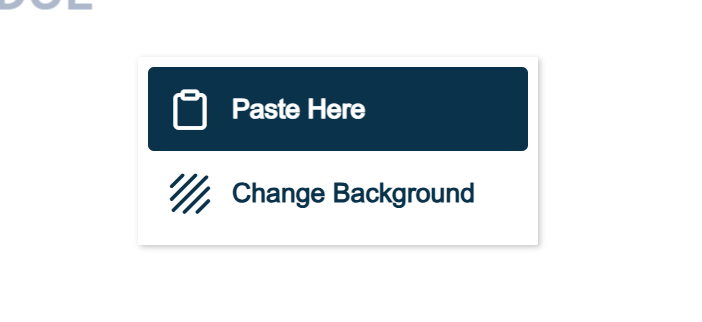
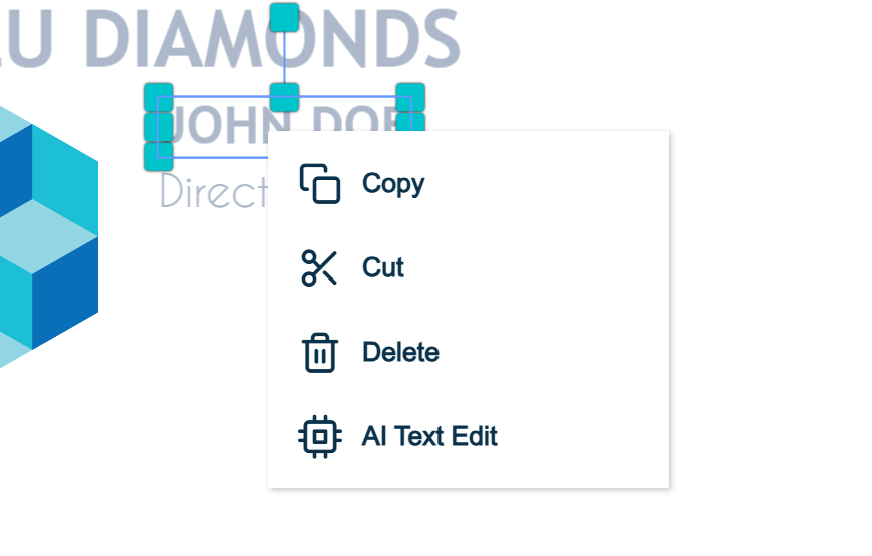
Right-Click Copy and Paste - An issue affecting right-click copy and paste functionality has been resolved. Users can now reliably copy items from the editor, paste content into the editor, and transfer items between pages as expected.
Please refer to the images below for reference:
Issue with new color and Design Configuration - One of our customers reported an issue whereby sometimes the design settings would be cleared upon opening it. We troubleshooted and traced the root cause back to an issue in the new text color value. We've since made an update to fix the issue and all settings should remain visible in the design configuration.
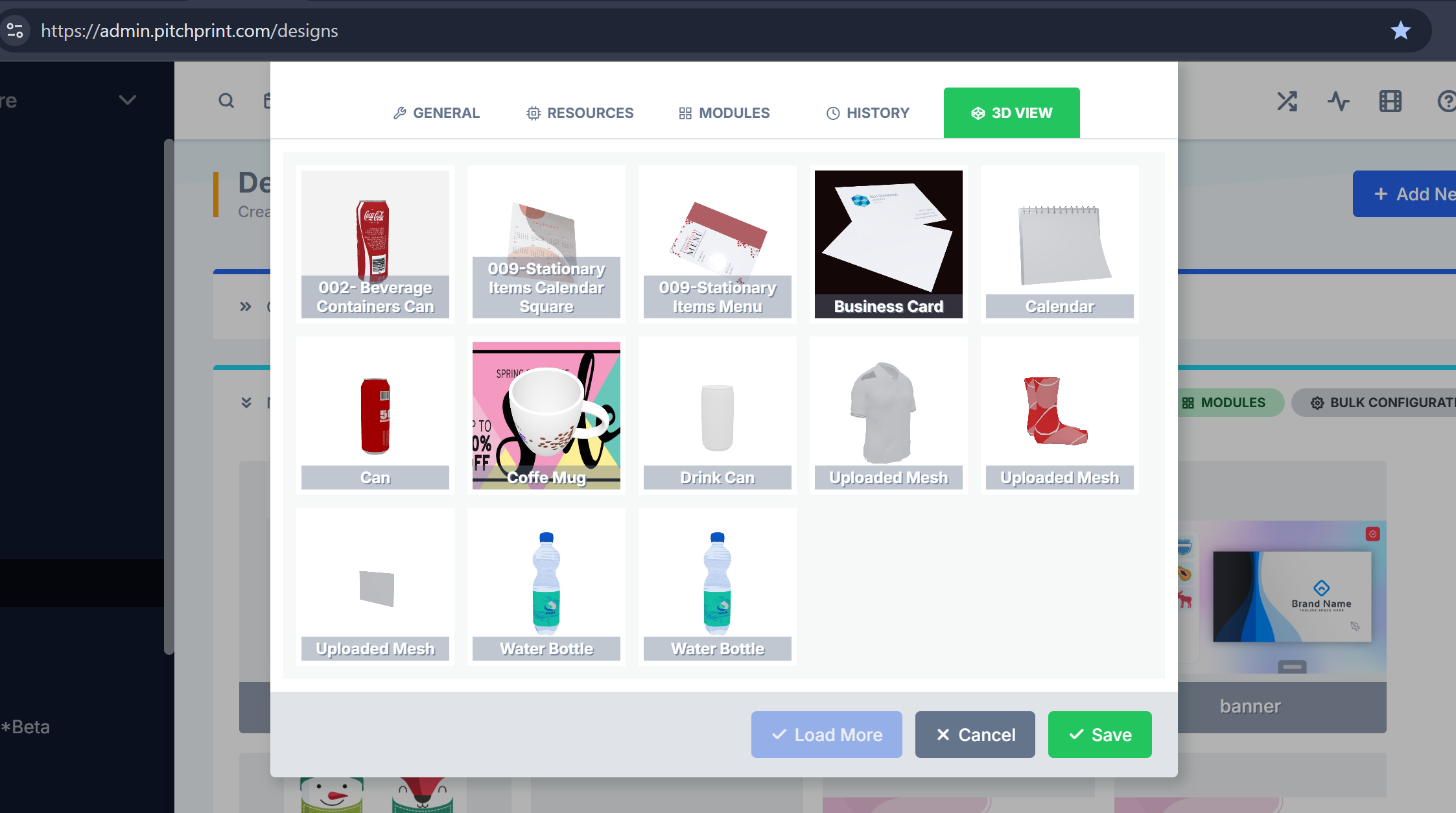
3D Model Pagination Fix - We resolved an issue affecting the 3D model pagination feature, where models not included in the initially loaded set could be unintentionally removed from a design after updating and saving the design configuration. This has been corrected, and models will now remain properly assigned to a design regardless of their position within the paginated model list.
Please refer to the image below for reference:
That’s all for this week. We look forward to sharing more new features and improvements in our next release.
Wishing you a wonderful weekend,
The PitchPrint Team😊
